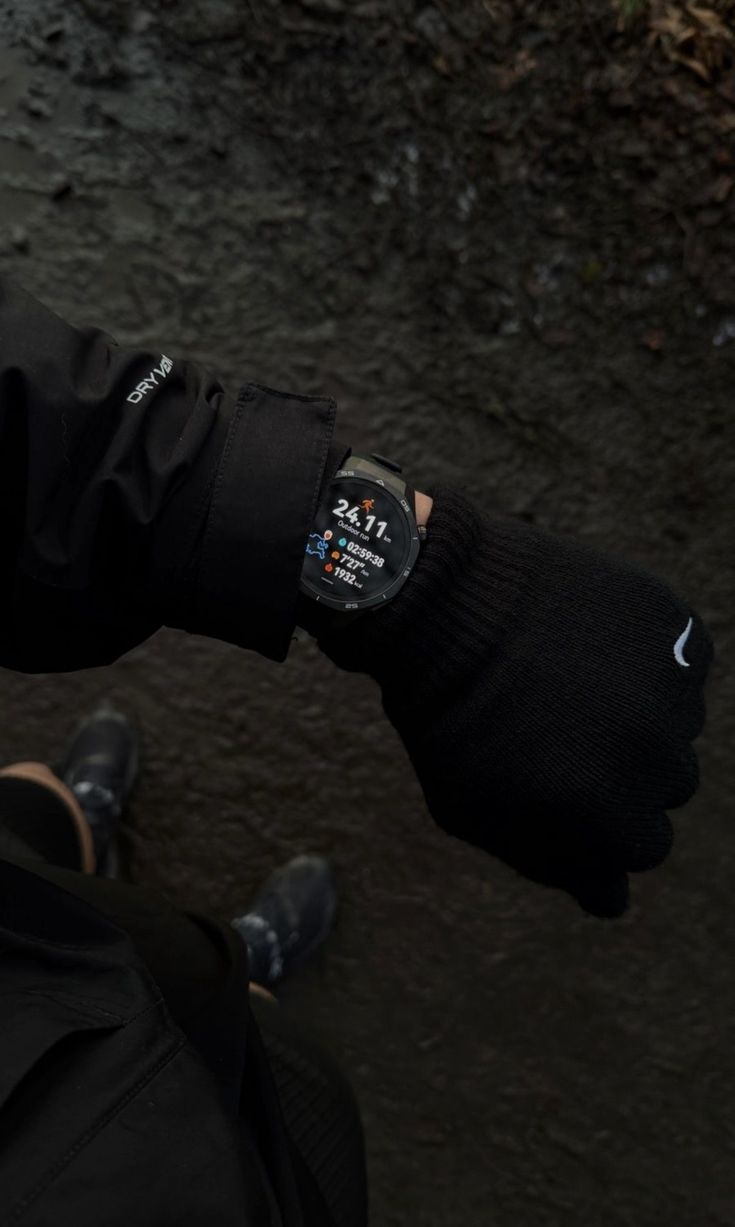
Smart Pace Detection
Cadence-aware. Music shifts in real time to match your stride.
/ 01 — Mobile Application
Pacebeats Case Study
An Android + Wear OS running companion that adapts your music to your stride in real time. No more clashing tempos. No more skipping tracks mid-stride.
v0.1.0-beta · UPDATED MARCH 19, 2026

Photo: Steven Lelham / Unsplash
/ 02 — Integration
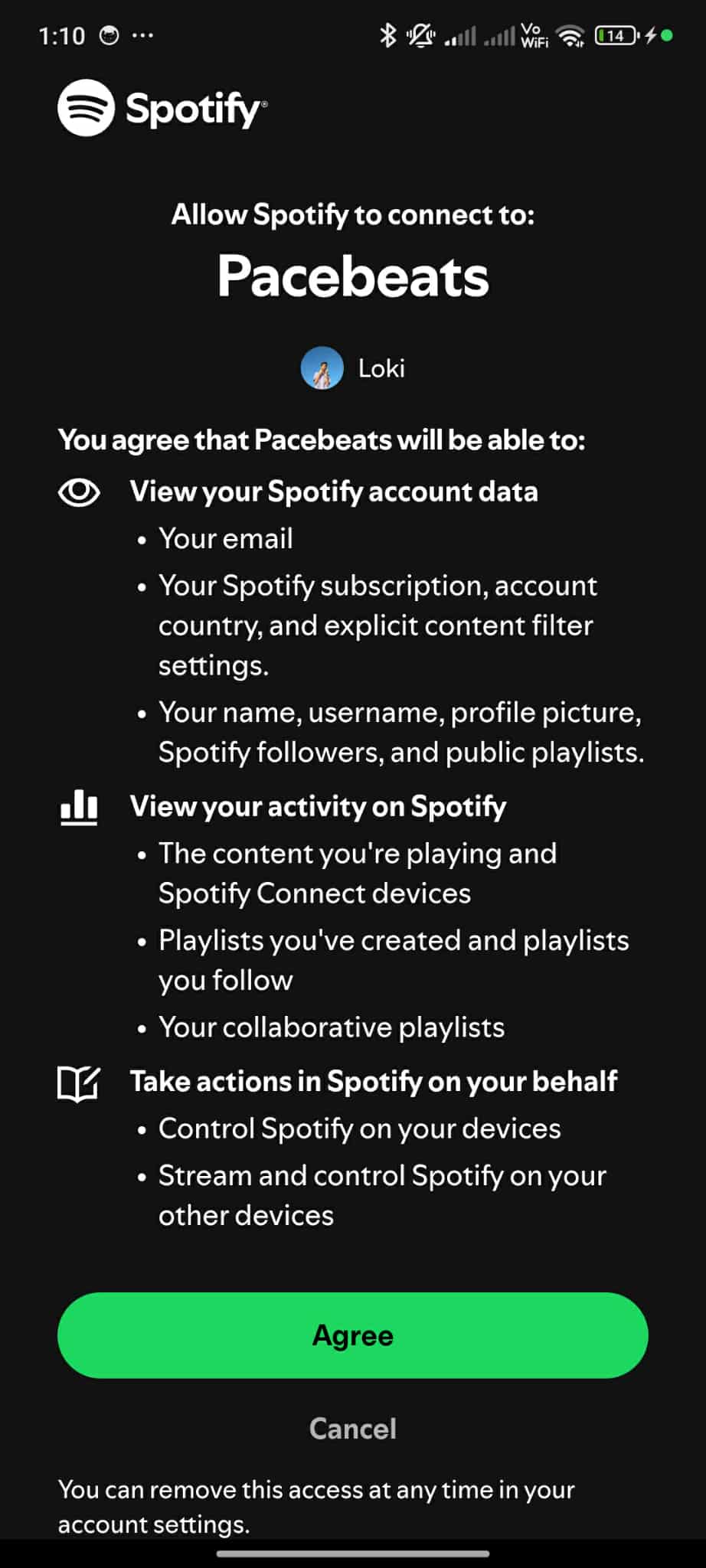
Pacebeats reads your tempo and surfaces tracks from your library that match. Your music doesn't just play during your run — it runs with you.
Real-time pace-aware Spotify playback. Tracks are surfaced to match your stride and current cadence. Available to Spotify developer accounts during beta.
/ 03 — Capabilities
Four core capabilities — smart pace detection, night-run-ready visuals, offline reliability, and the Wear OS companion.
Cadence-aware. Music shifts in real time to match your stride.
High-contrast layouts and single-tap controls for low-light visibility.
Routes and pace cues cached for runs beyond signal.
Glance pace, BPM, and route from your Galaxy Watch.
/ 04 — Inside the app
A look at what runners actually see — from the first three seconds of onboarding through to the daily home and the tips library that sits behind it.
Group A — Welcome flow
3 slides · sign-up gate
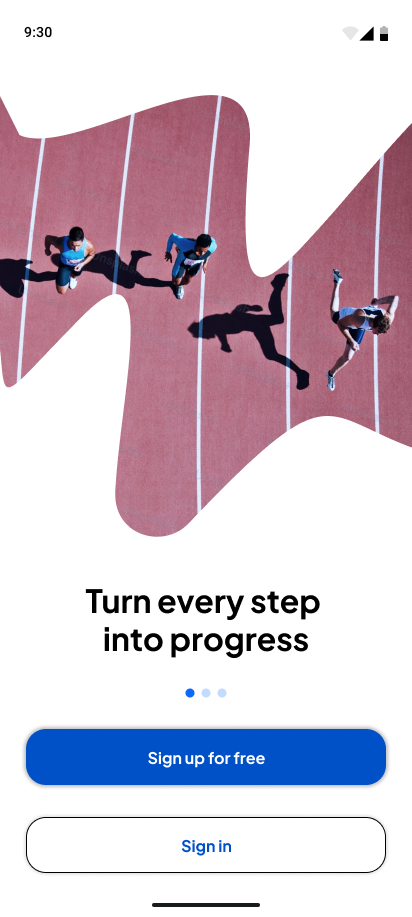
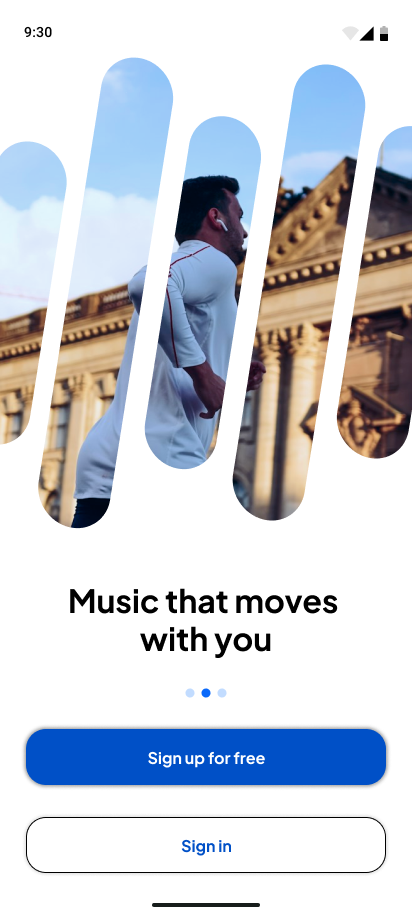
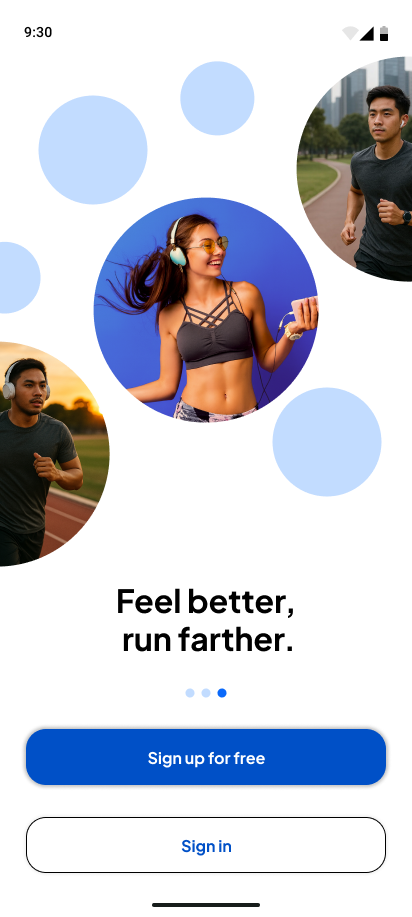
Three slides. One promise: turn every step into progress, music that moves with you, and feel better, run farther. Each is swipeable; the sign-up CTA stays pinned to the bottom so the user can sign up from any slide without finishing the carousel.
Group B — In the app
2 screens · live in the build
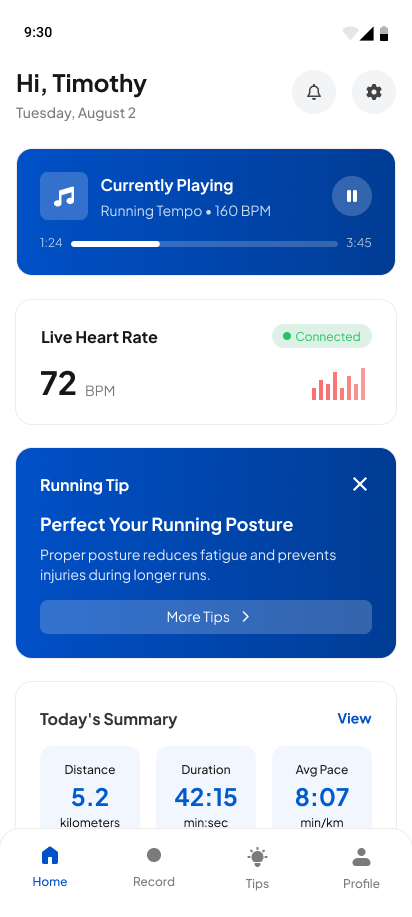
First thing you see when you open the app on a run day. Currently playing, live heart rate, today's progress, and a single running tip — all above the fold.
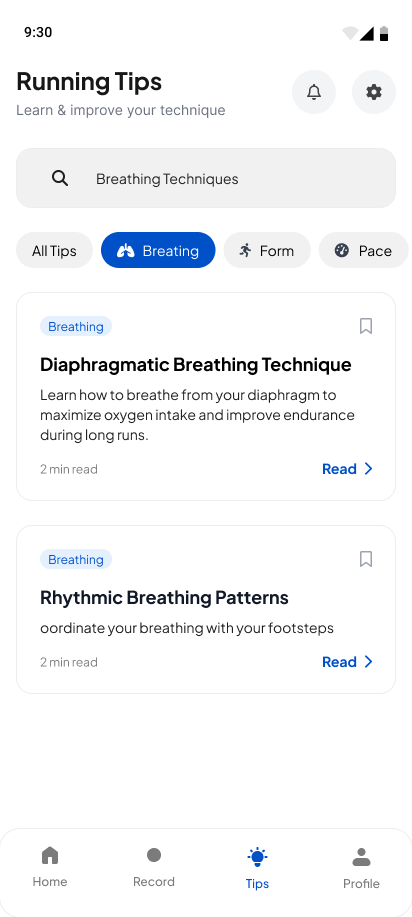
A searchable library of breathing, form, and pace techniques. Filter by category, save what works for you, return to it on the next long run.
/ 05
Live from the repo · 4a8550f · 2026-05-30
Commits shipped
Builders on the team
Android APK v0.1.0-beta
Wear OS v1.0.0
/ 07 — COMPANION
Pacebeats companion for Wear OS
Glance pace, cadence, and music sync from your Galaxy Watch. No phone required mid-run.
v1.0.0 · 20.5 MB · UPDATED MARCH 23, 2026
Enable Developer Mode in your Galaxy Watch settings.
Pair the watch with adb over Wi-Fi using its companion app.
Sideload the Wear APK via adb install wear-release.apk.
Open Pacebeats on your watch and grant permissions.
/ 08 — THE JOURNEY
Complete step-by-step guide to using Pacebeats for music-synchronized running with pace tracking and adaptive playlists.
Pair Pacebeats with Spotify and (optionally) your Galaxy Watch.
One short run sets your baseline cadence and pace zones.
Music adapts to your stride in real time; pace targets surface as you go.
Post-run breakdown of pace, cadence, and music sync quality.
Surface familiar routes and predict pace from your history.
Shared runs and pacing leaderboards.
Deeper Samsung Galaxy Watch integration — live cadence, heart-rate, and run summary streamed straight to your wrist.
The technology stack powering Pacebeats: Android, Kotlin, Spotify, Samsung Galaxy Watch, Samsung Health, Astro, React, TypeScript, Tailwind CSS, and Firebase.
Four people building Pacebeats — lead software engineer, UI/UX designer, AI/ML engineer, and frontend developer.

Oversees all technical architecture and core development. Guides the team through system design, Android innovation, and seamless integration with Samsung Galaxy Watch and health platforms.
Frontend developer and design lead. Crafts Pacebeats' intuitive interface and ensures the running experience reads clearly at full stride — across phone and watch.
Implements intelligent pace detection and personalized music adaptation. Owns the machine-learning pipeline that makes Pacebeats smarter with every run logged.
Builds the responsive surfaces that make Pacebeats feel effortless mid-run. Owns mobile UI implementation, QA, and the end-to-end testing harness.
Own the pace. Pacebeats is built around the language runners use: stride, cadence, BPM, tempo, mile, heart, breath, flow, negative split, pace zone, rhythm, kick, recovery.
/ 14 — FAQ
Yes. Pacebeats is completely free to download. You can get the latest Android APK directly from our GitHub releases — there is no subscription and no in-app purchases.
Yes. Pacebeats integrates with Spotify so your existing playlists adapt to your running cadence in real time. You connect your account once during setup.
Pacebeats runs on Android 8.0 and newer, with a companion app for Wear OS 3.0+ smartwatches, including the Samsung Galaxy Watch.
After one short calibration run, Pacebeats detects your stride cadence and continuously matches the music tempo to your pace, so the beat keeps you on target without you skipping tracks mid-stride.
No. The phone app works on its own. The Wear OS companion is optional and adds live cadence, heart-rate, and run summaries on your wrist.
While in beta, Pacebeats is distributed as a direct APK download from GitHub rather than the Play Store. A SHA-256 checksum is provided so you can verify the download, and installing the Wear OS build on a Galaxy Watch is covered in our installation guide.
Still curious? Grab the latest Android build and run with it.